Draft:Military CAC Reader
Jump to navigation
Jump to search

This article is a tutorial on installing a Military CAC Reader and aCAC Card on your WSU laptop.
Below are two guides for installing the software needed for your CAC Card to run correctly. Please click which laptop you will be using your CAC Card with and follow the procedures within the PDF.
CAC/Reader Installation Guides
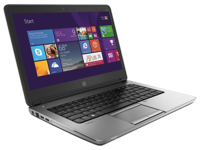 PC CAC Reader Installation Guide
 MAC CAC Reader Installation Guide
Helpful Tips
- Restart your PC.
- Try downloading Google Chrome and access AKO from Chrome.
- Clear your browser cache through Internet Explorer settings / Safari settings.
- If presented with multiple certifications, click the third certification from the top of the menu.
- Clear all DOD certificates through Internet Explorer Settings (PC) or KeyChain Access (Mac).